
Building a real-time portal on my wall
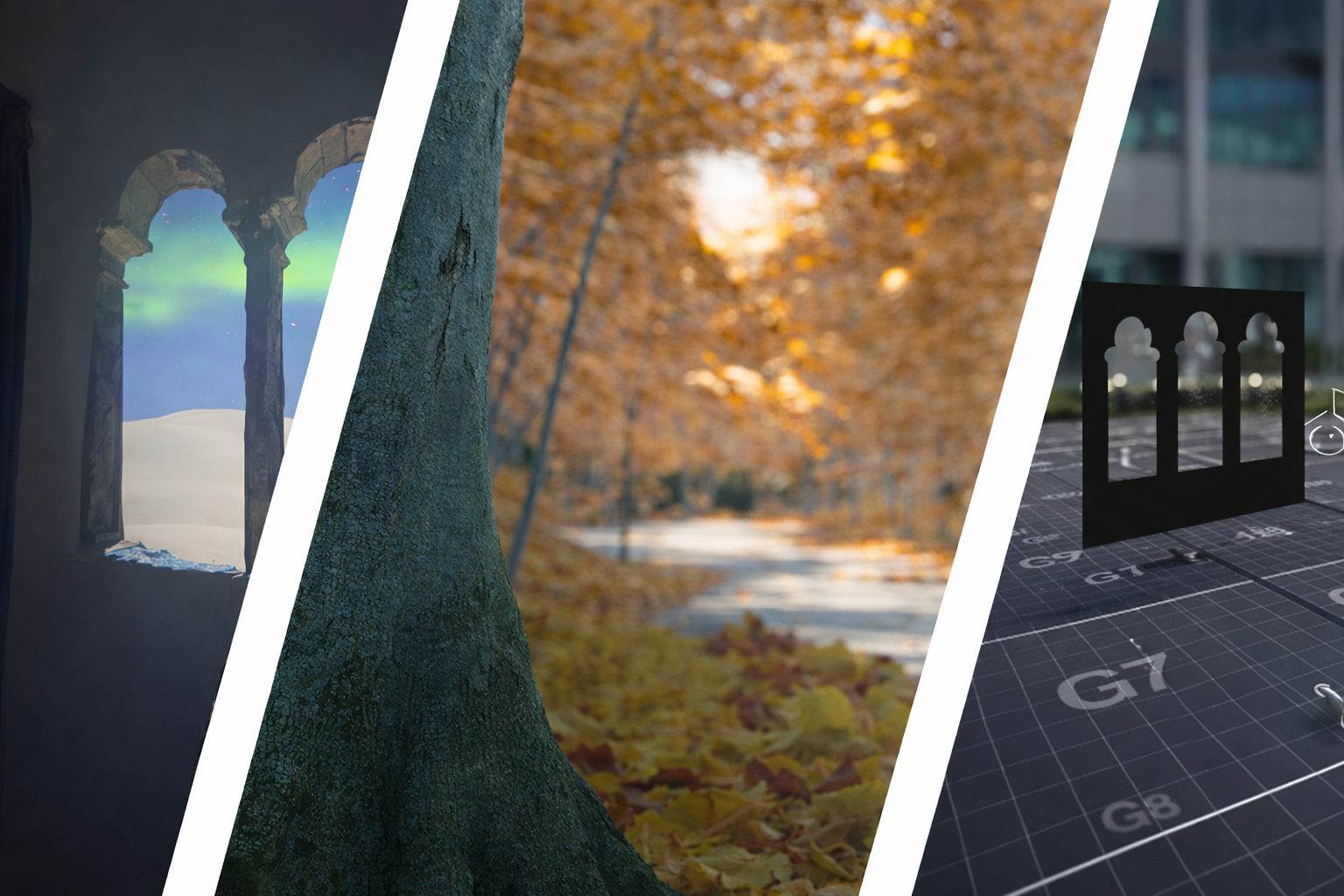
On Instagram or TikTok recently, you've probably seen those videos by brands advertising their projectors showing beautiful "fake windows" on your wall.
What immediately came to mind when I saw one of these is: "But it's not going to react to how you move, it's just going to look 2D". I felt it'd kill the illusion, and since I happen to know how to code... I decided to spend a week trying to make it three-dimensional. Not only would it be a great way to learn more about 3D design, it'd also just be really cool!
I started planning how it was going to work, and eventually landed on:
- VR headset sitting on my head (but not over my eyes) tracks my head position
- Python script chats to SteamVR and updates Unreal Engine on my head location
- Unreal renders the correct parallax for the scene to appear like a window
- Output goes to a projector which is mapped onto my wall
Sounds simple, but spoiler alert, it was not.
Unreal & Calibration
It's been a few good years since I used Unreal Engine, so that was the initial priority. Get that set up and working.
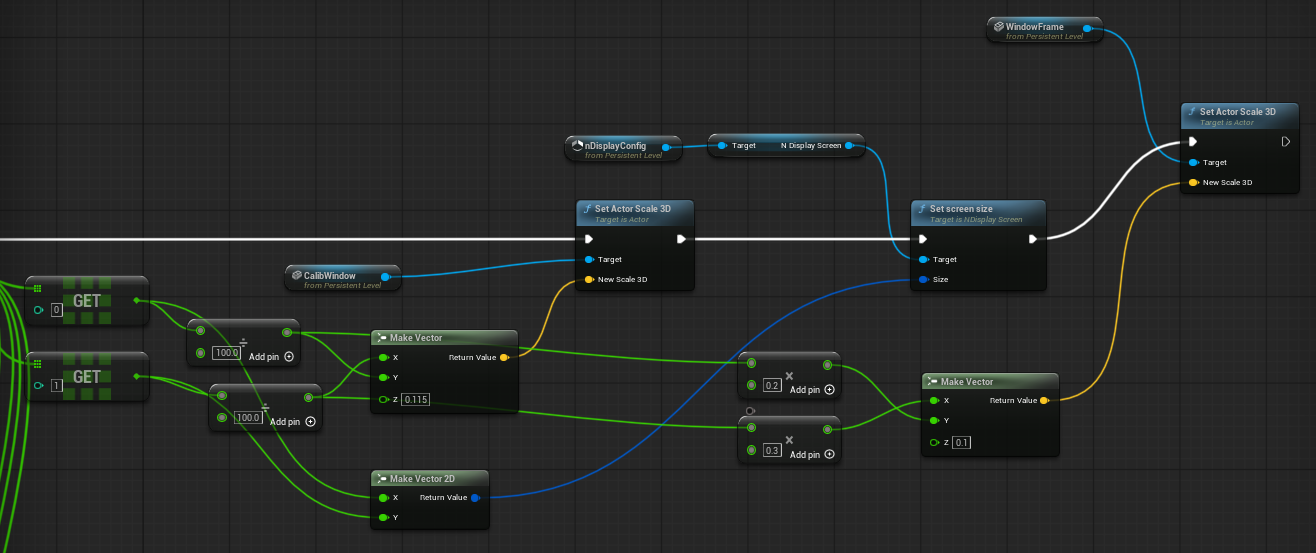
Taking it in steps, I wanted to be able to map the location of the window and my head as cubes in 3D space. It took a bit of time to get the axes correct, but this mainly meant:
- Clicking the trigger on one of my VR controllers for each corner of the window
- Clicking the trigger at a "neutral" head position
After a few days of tweaking and adjustment, this worked great.
Making it feel real
The next step was rendering a valid, 3D scene, and adjusting it based on the head position. It turns out this is a surprisingly difficult thing to do, and took a bit of maths and a LOT of head scratching.
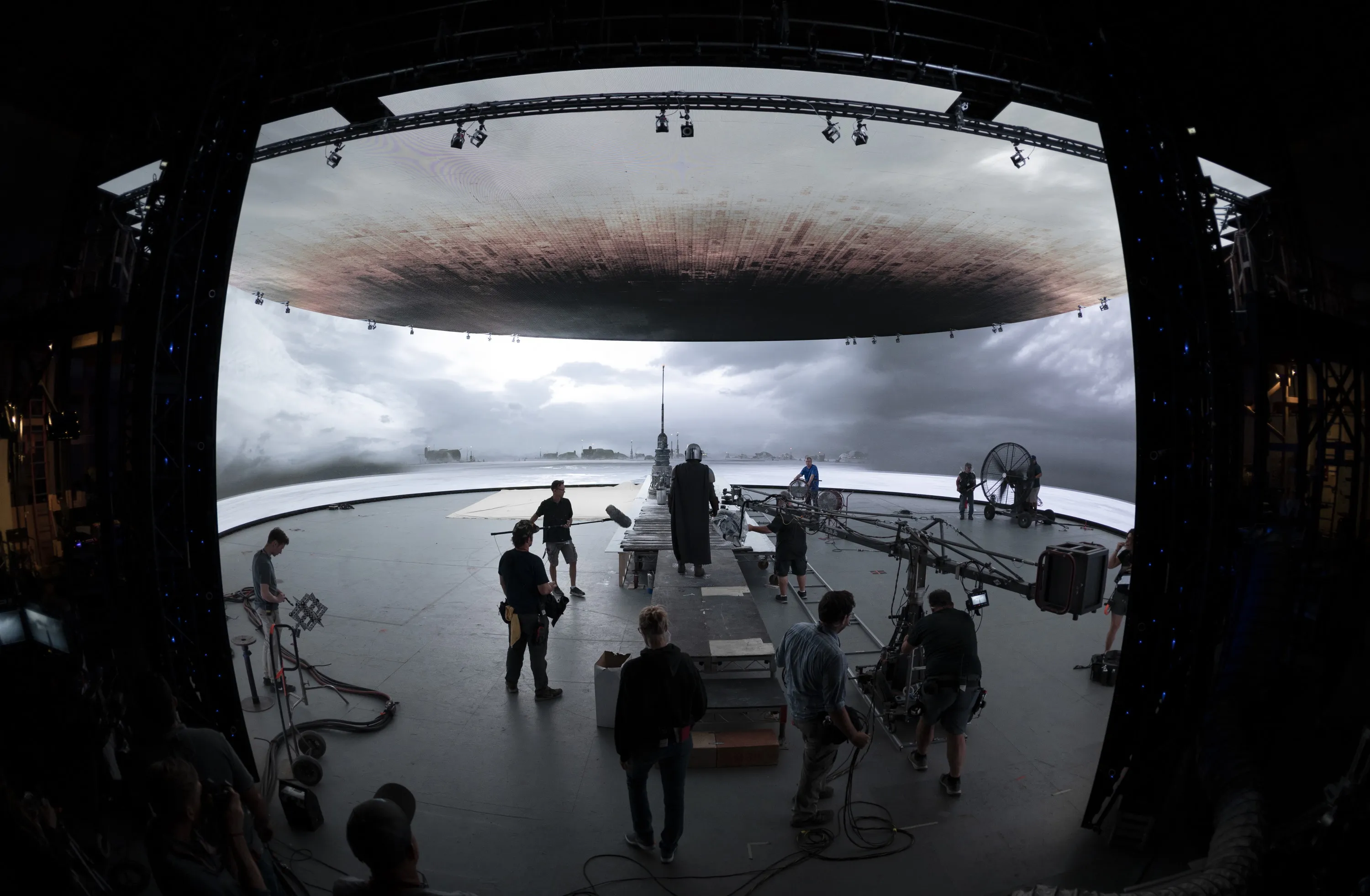
This idea of rendering 3D environments in real life has been done before: it's used for shows like The Mandalorian by tracking cameras with giant LED walls to create immersive fake environments, but information on how to actually achieve it is relatively sparse, and no one seemed to have managed to achieve it in Unreal Engine 5.
After some research, I discovered that I was looking to achieve off-axis projection. I got close to a manual solution, but it was never quite perfect, so I looked for alternative solutions.
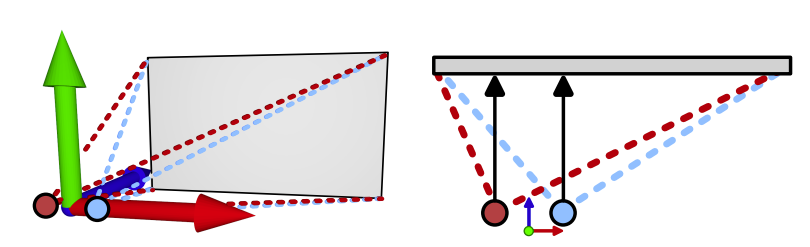
Unreal Engine happens to have a tool called nDisplay which is able to achieve this automatically. As mentioned earlier, this is the same system that Star Wars uses. It's mostly intended for in camera VFX and LED screens, but there is no reason it can't be used for a projector as well. After even more tinkering and work, I finally managed to get an initial working version in a basic 3D environment.
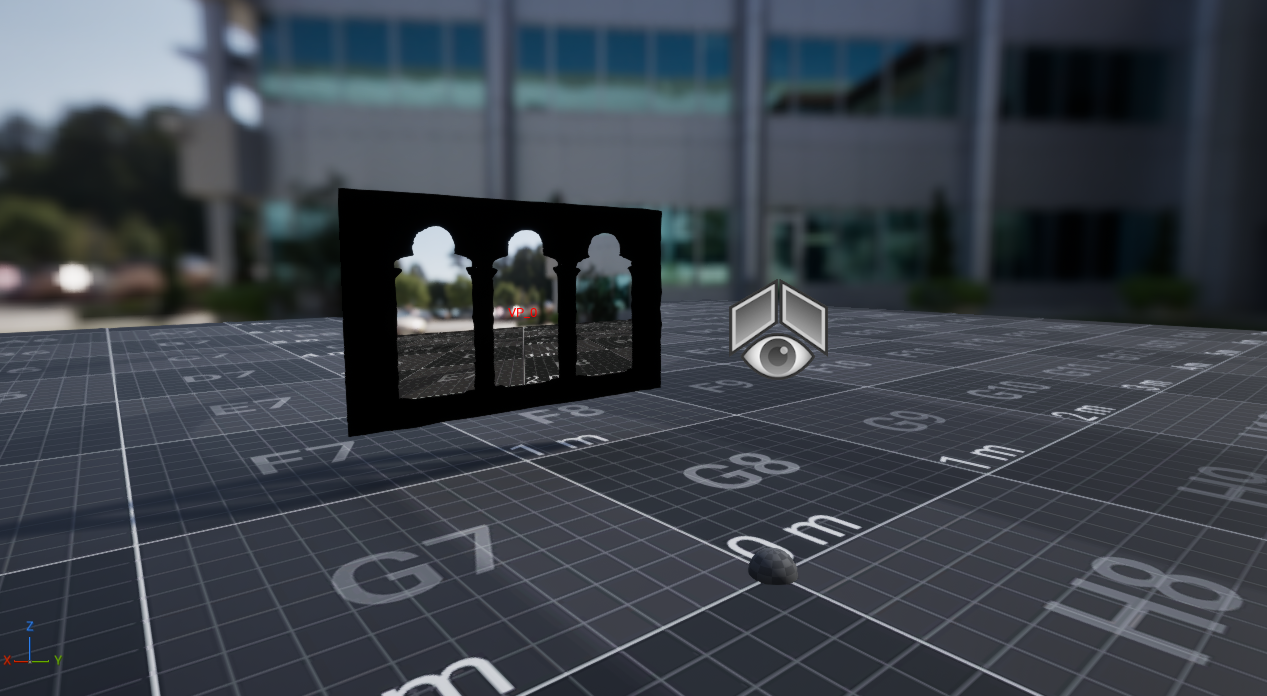
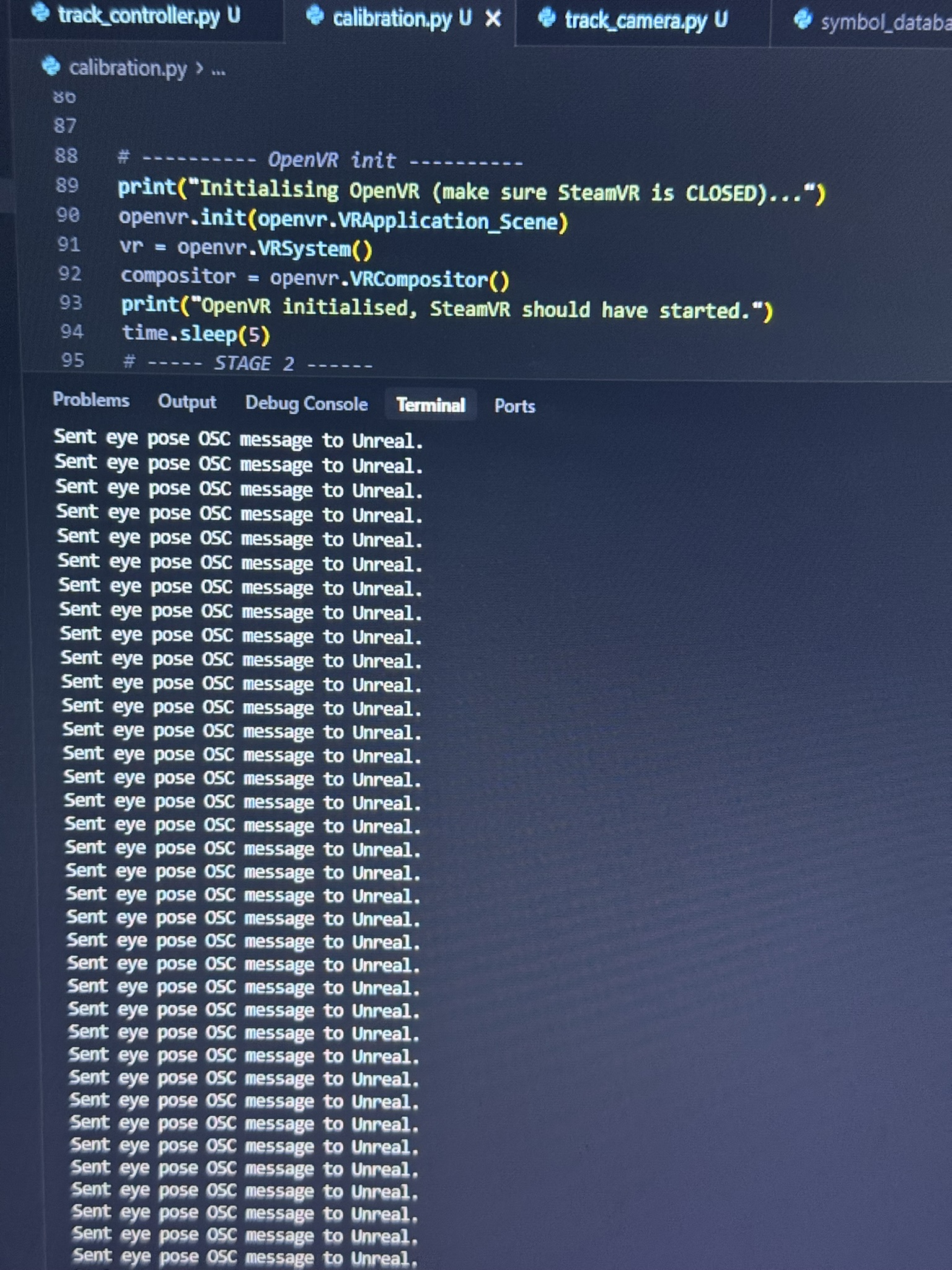
Latency and FPS was a small concern, but having a relatively small pipeline from VR -> Projector helped, and everything was done wired rather than wirelessly. With a bit of optimization, it worked just fine.
Making it not boring
Now's the fun part: I needed scenes that weren't just 3 boxes laid around 😂
People tend not to upload their complex 3D environments for free, which means it was up to me to make some myself. Having barely touched Unreal in the last 5 years and being completely new to modelling, this took a bit of time to get used to, but it was good fun!
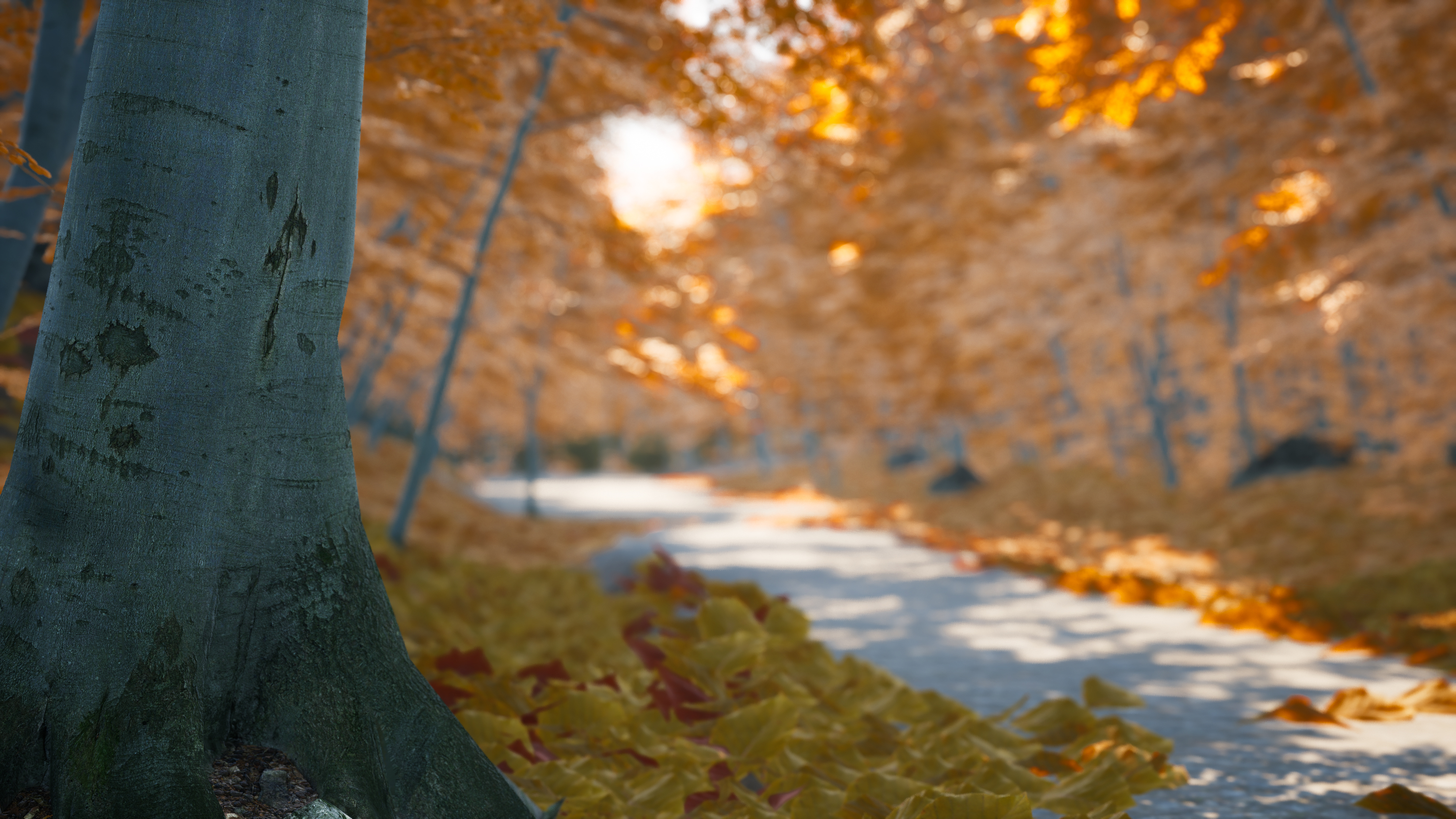
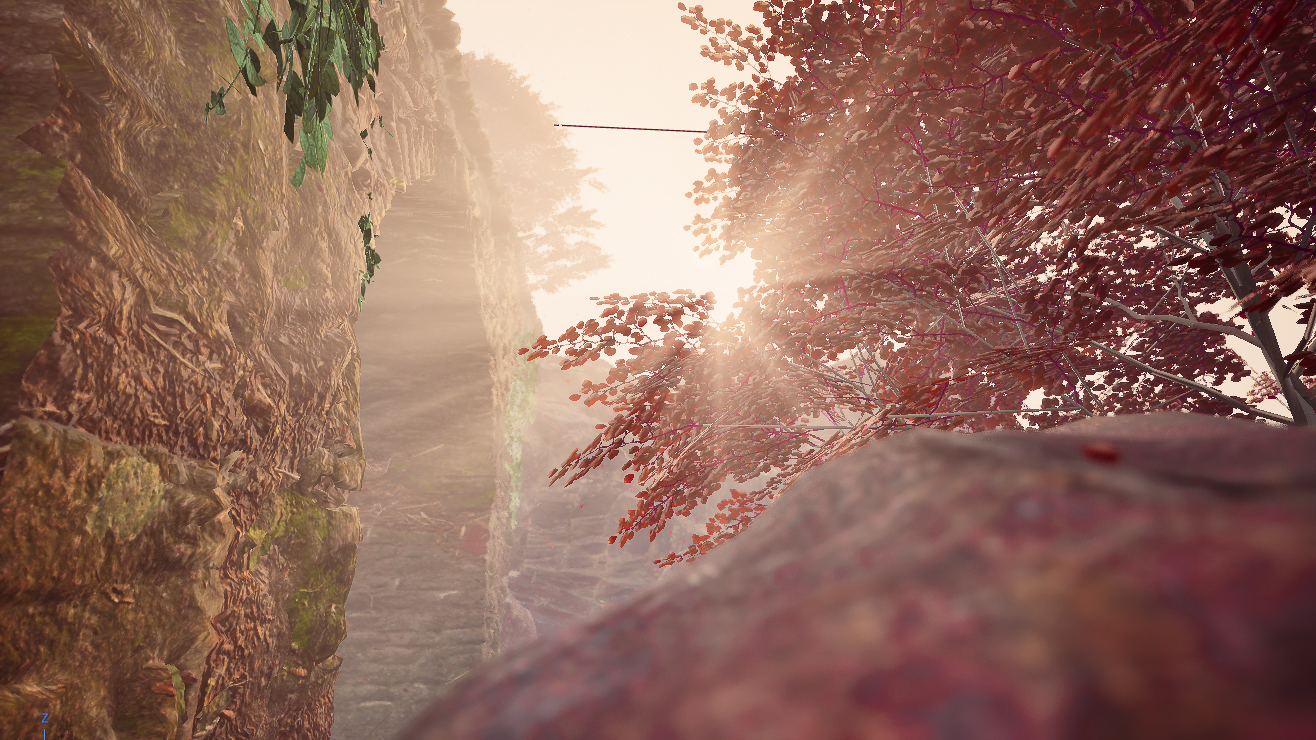
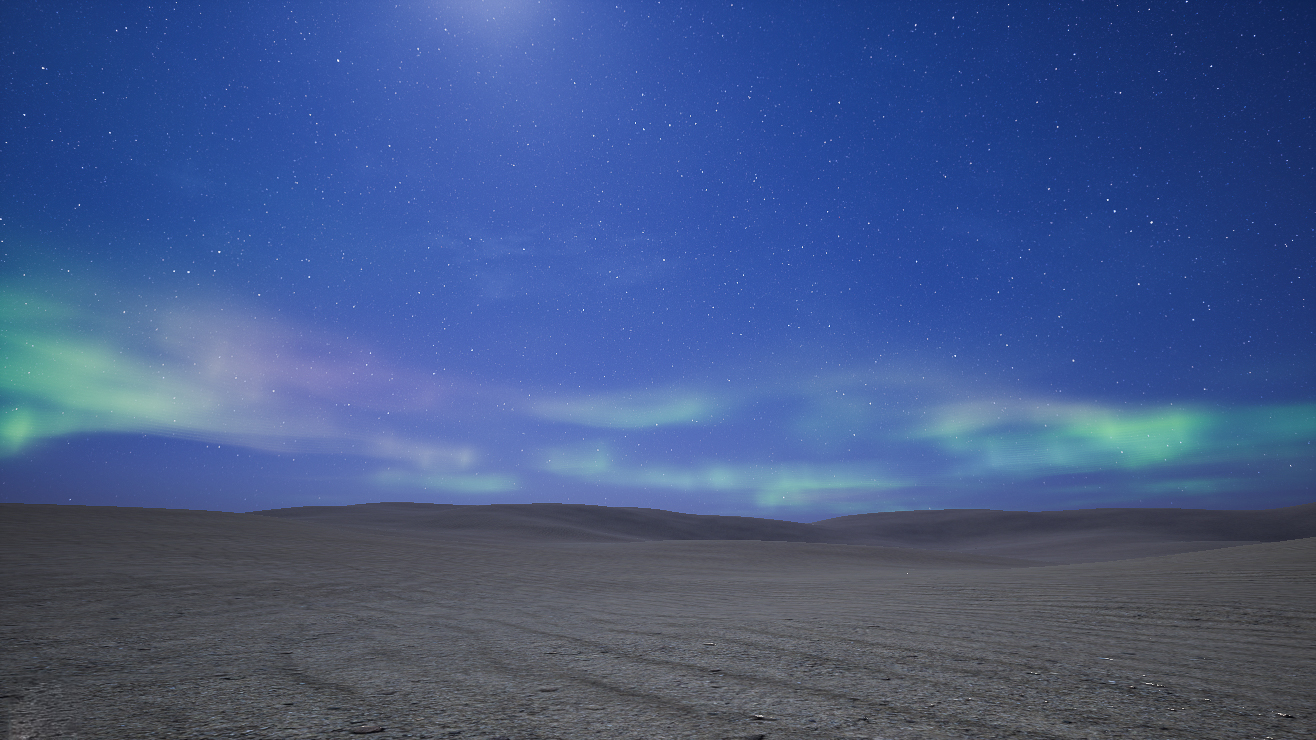
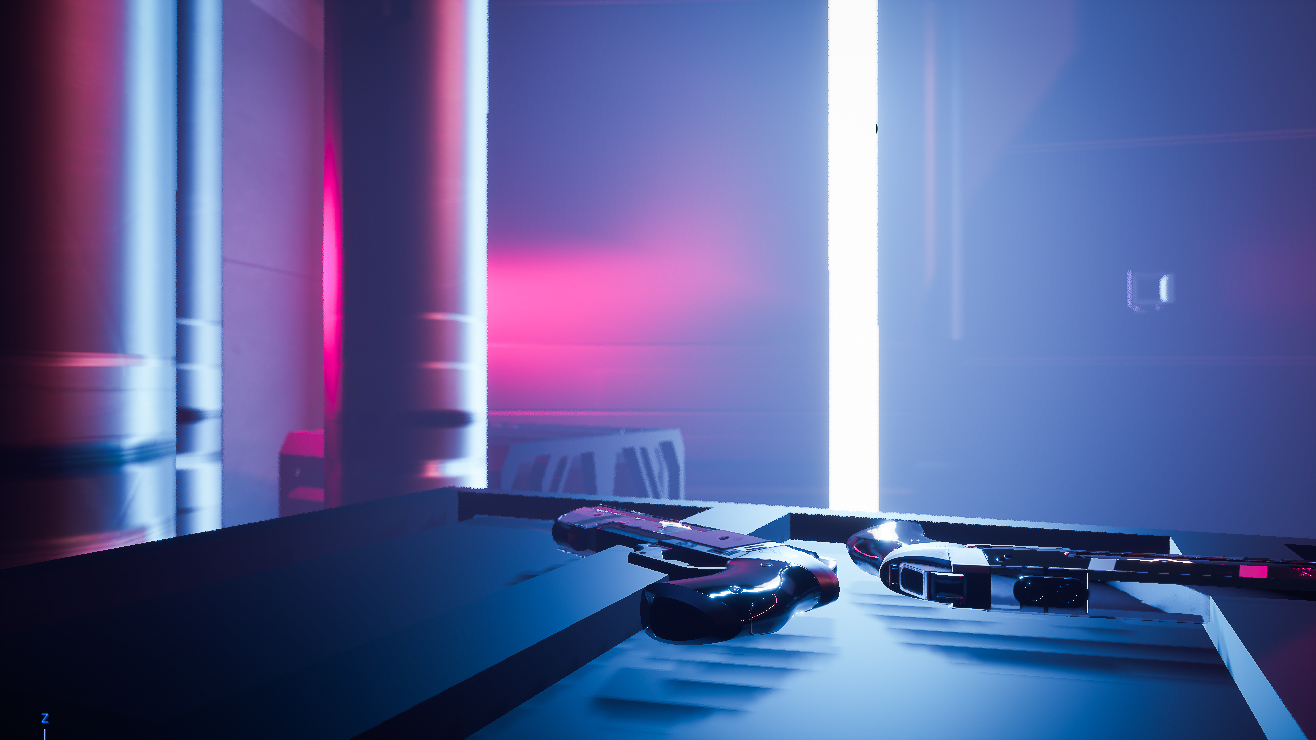
It works
After setting it up for the first time, calibrating everything properly, and loading up the first 3D environment, it just worked. The illusion is a little weaker in person — two eyes mean you don’t get the exact depth effect — but on video it looks incredibly convincing.
What's next?
Window² isn't done! I'm looking at adding:
- Camera (likely IR) based tracking so that you don't need to wear anything
- Support for 3D glasses to make the effect convincing in real life
- A proper UI to make it simple to start up and enable
But even so, I think this project really taught me a few things and changed how I view how software interacts with the real world. Even though it's just a silly project for a bit of fun, it was my first project that actually affects something you can see in real life, and it showed me how awesome software can actually be when integrated properly. I mean, if this isn't cool, what is? 😂